Related Links
Cloudmounter
Store and Manage all your files in one destination using Cloudmounter without exhausting storage space of your computer. Connect to Cloudmounter from IDrive® e2 using Access Keys.
- Install CloudMounter.
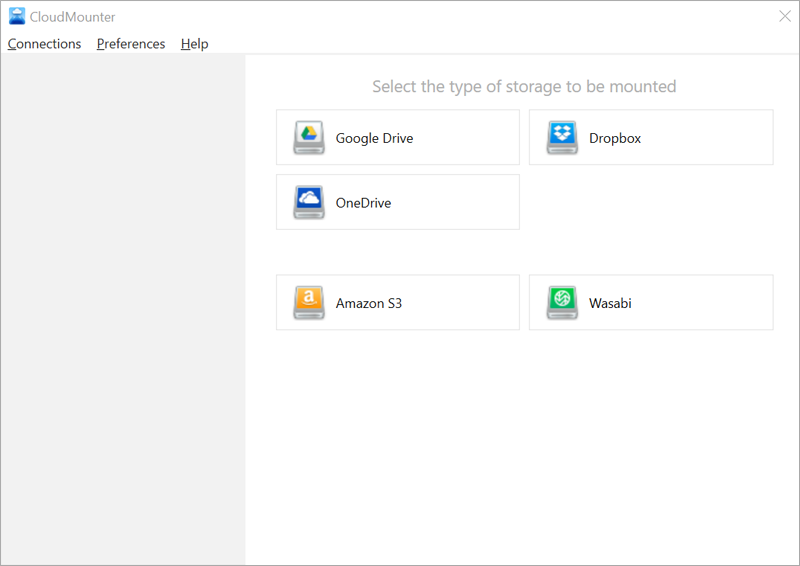
- Click on New Drive and select Amazon S3.
- Enter the access key, secret key, and storage endpoint. Click Mount.
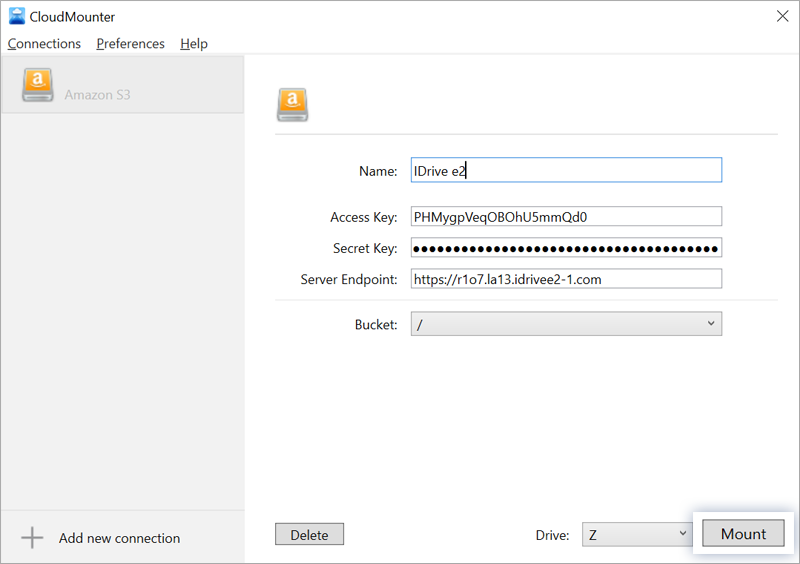
- Drive Z will be created in the user's computer where files can be uploaded/downloaded directly to/from the cloud.